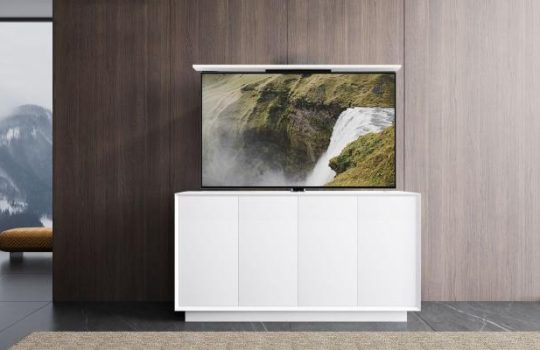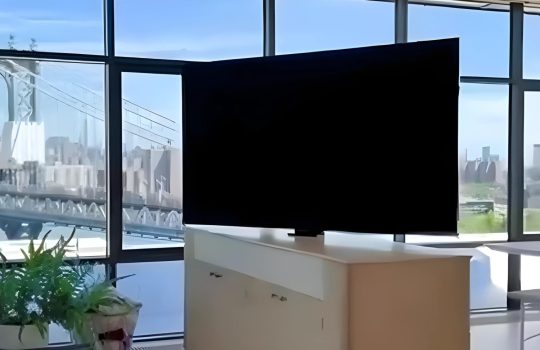
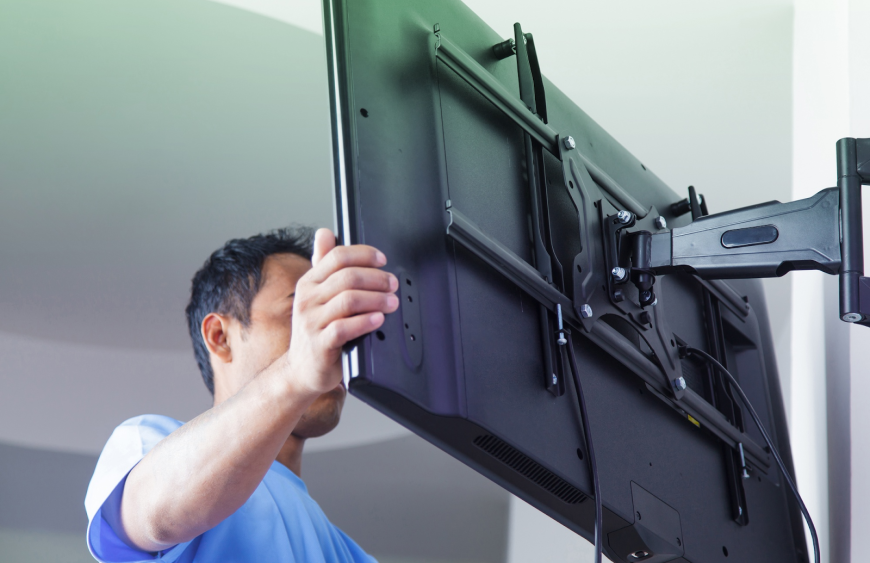
Not only does having a large 85inch TV on wall improve your viewing experience, but it also improves the beauty of your living room. On one hand, it is essential to ensure that the TV is firmly attached to the wall, but on the other hand, it is also important to make sure that the cables are out of sight to make your system look minimalistic. In case you want to find a professional solution to your problem of mounting your TV and getting rid of the visible cables, this tutorial will help you to follow the necessary steps in order to install your TV safely and cleanly.
Step 1: Prepare Your Tools and Materials
Before you start the installation process, gather the following tools and materials:
- Cable cubby or cable management system
- Stud finder
- Power drill with the appropriate drill bits
- Mounting bracket compatible with your 85 inch TV on wall
- Level
- Screwdriver
- Measuring tape
- HDMI cable(s) with the appropriate HDMI cable length
- Wall anchors (for drywall installation)
- HDMI to HDMI ARC adapters (if using sound systems)
This is because, when you are prepared with all the tools, you can make the process simpler and eliminate unnecessary interruptions.
Step 2: Choose the Perfect Location for Your TV
When choosing the appropriate place to install your 85-inch TV on the wall, the main consideration is the safety and comfort of viewing. Consider the following factors when choosing your mounting spot:
- Eye Level: Ensure the TV is at the correct eye level when seated, typically 42-48 inches from the floor.
- Viewing Distance: For a large 85-inch screen, the recommended viewing distance is approximately 10-14 feet.
- Wall Type: Determine if you are mounting on drywall, plaster, or brick. Drywall requires studs for secure mounting, while a masonry wall will require special anchors.
After you have located the right place, a stud finder should be used to find the studs in the wall. Do not mount your TV on drywall because this would damage it; instead, mount it on studs so that it is as stable as possible.
Step 3: Install the Mounting Bracket
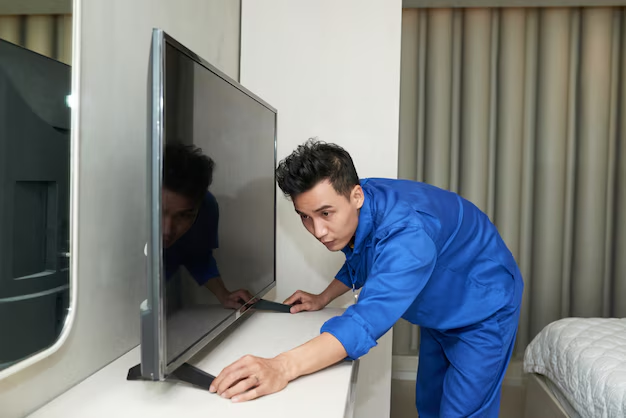
Then attach the 85-inch TV to the wall bracket. The bracket used to mount should be strong enough to hold the weight of your television. Follow these steps for a safe installation:
- Measure and Mark: Use a measuring tape to mark the locations for the mounting holes on the wall. Ensure that the marks are level.
- Drill Pilot Holes: Make holes in the studs with a power drill. The screws of the mounting bracket will be directed into these holes.
- Install the Bracket to the Wall: screw the mounting bracket into the studs with the help of a level to make the mounting bracket straight. Ensure that it is well fastened, and then continue.
Step 4: Manage Your Cables with a Cable Cubby
Cable concealment is one of the most typical problems that are encountered during the installation of a TV. Exposed cables will destroy the smooth, contemporary appearance that you desire in your living room. To achieve a neat, cable-free installation, a cable cubby or cable management system is the best solution.
A cable cubby is a small, hidden compartment built into the wall that conceals your power cords and HDMI cables. Install the cable cubby behind your TV mount and feed the cables through the system. This will give your setup a seamless appearance without clutter.
To have a more sophisticated appearance, an in-wall power kit can also be used. This will enable you to have the power cables running behind the wall and will create an entirely concealed installation.
Step 5: Connect the HDMI Cables and the HDMI to HDMI ARC
You have just attached your 85-inch TV to wall safely, and now it is time to connect the required cables. When connecting with a soundbar or external audio system, do not forget to use the HDMI to HDMI ARC connection to achieve better sound quality. THE HDMI ARC (Audio Return Channel) feature enables transmitting audio of higher quality between the TV and sound system without using several audio cables.
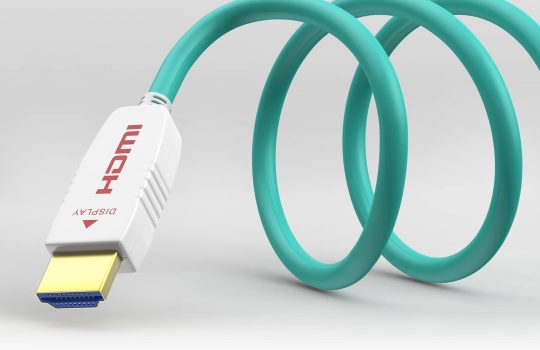
In attaching the HDMI cables, observe the HDMI cable length. In case you require more length to cover between the TV and a device, ensure that the cables are sufficiently long to cover the distance. Make sure that the TV is positioned near the devices, such as a streaming box, gaming console, or media centre, to fit.
Step 6: Install Projector Mounts (Optional)
Projector mounts are an excellent choice for people who do not want to use a TV but a projector. Projector mounts are constructed to firmly attach the projectors to the ceiling or wall, providing a space-saving, multi-purpose method of home theatre installations.
When you are projecting a projector with an 85-inch TV on a wall, make sure that the projector is installed somewhere where the alignment between the screen and the projector is optimum. A projector mount that is adjustable to bring the projection angle to a fine point is preferable.
Step 7: Final Adjustments and Testing
Once all the cables are in place and your 85-inch TV is mounted on the wall, give yourself a second check:
- Level the TV: Make sure that the TV is perfectly even with the features of the mounted bracket.
- Cable Check: Ensure that all the cables are firmly attached and no wiring is hanging at the back of the TV.
- Power On: Turn on your TV and ensure that all devices connected via HDMI are working correctly.
Conclusion
Installing an 85-inch TV on the wall and concealing the cables may appear to be a difficult process, yet it can be done with the help of the appropriate equipment and methods. A cable length just right HDMI cable, cable management system, cable cubby, and HDMI to HDMI ARC that gives better sound, you can have a clean and professional-looking setup. Projector mounts can be viewed as an additional viewing experience for the individual who desires to be versatile.Tono System is a company that deals with the supply of high-quality technology solutions to ensure that your home or office system is smooth. Are you willing to upgrade your space? Get professional help with the installation and cable management of your 85-inch TV on the wall, and contact Tono Systems today. We will assist you in getting the best arrangement to meet your entertainment requirements.
FAQ’s
1. How high should an 85 inch TV be mounted?
It should be mounted at eye level, typically 42–48 inches from the floor.
2. Can I mount an 85 inch TV on drywall?
Yes, but only if mounted into studs or using heavy-duty anchors.
3. What is the ideal HDMI cable length?
The ideal length depends on your setup, but typically ranges from 6 to 12 feet.
4. How do I hide cables behind a wall-mounted TV?
You can use a cable cubby or an in-wall cable management system to conceal wires effectively.