Best TV Wall Mount in India (2026): How to Choose by Size, Wall Type, and Budget
Mounting your TV on the wall is the single easiest way to make a room look bigger, cleaner, and more finished — no bulky stand, no cabinet eating floor space, no cables pooling on the ground. But “TV wall mount” covers everything from a ₹500 fixed bracket to a fully motorized arm, and the right choice depends on your screen size, your wall, and how you actually use the room.
This guide walks through the types of mounts, how to pick the right one for your TV size, what to know about installing on Indian brick and concrete walls, and which Tono mount we’d put on your wall.
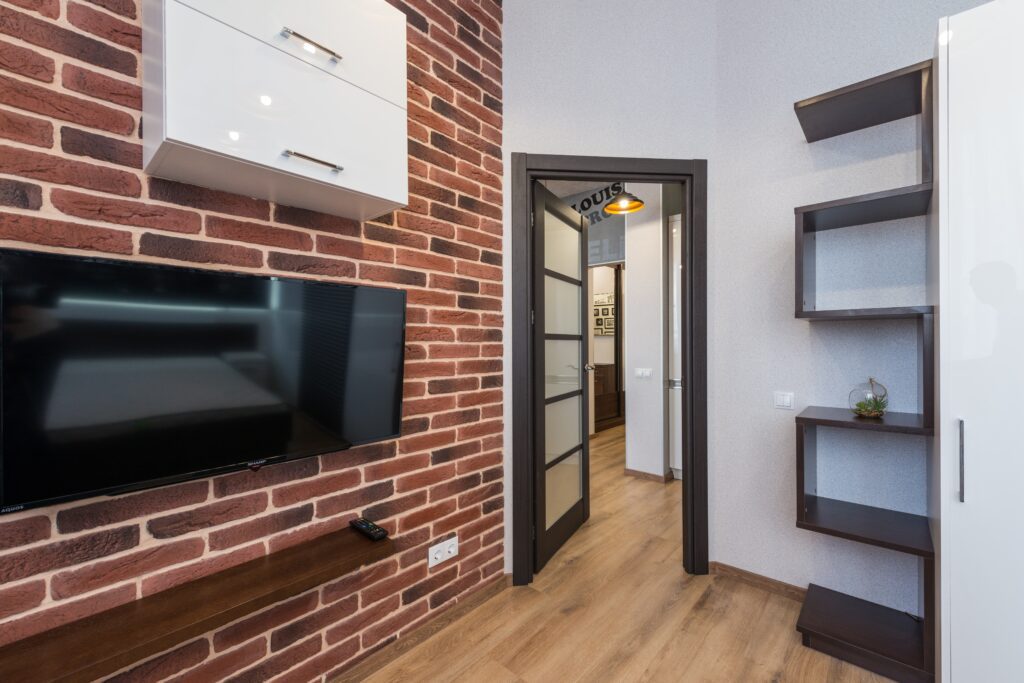
Photo by Max Vakhtbovych from Pixels
The four types of TV wall mounts
Almost every mount falls into one of four categories. Knowing the difference answers most of the “which one do I need?” question.
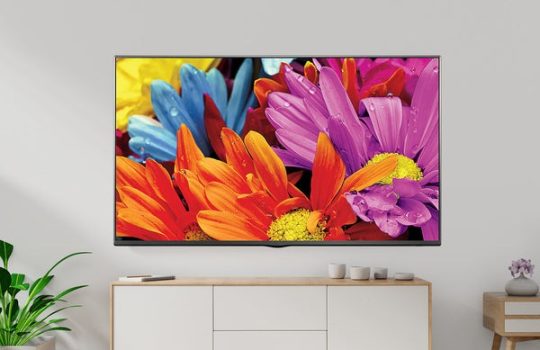
Fixed mounts hold the TV flat against the wall. They’re the cheapest and slimmest, ideal when the TV sits at eye level and you only ever watch from straight on. The trade-off: no adjustment at all once it’s up.
Tilting mounts let you angle the screen up or down. These matter when the TV is mounted higher than eye level — above a console, or in a bedroom — so you can tilt it down to cut glare and get a comfortable viewing angle.
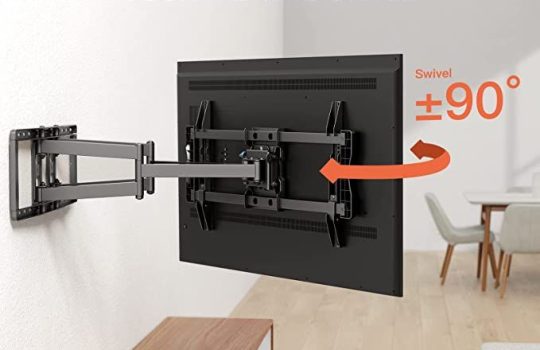
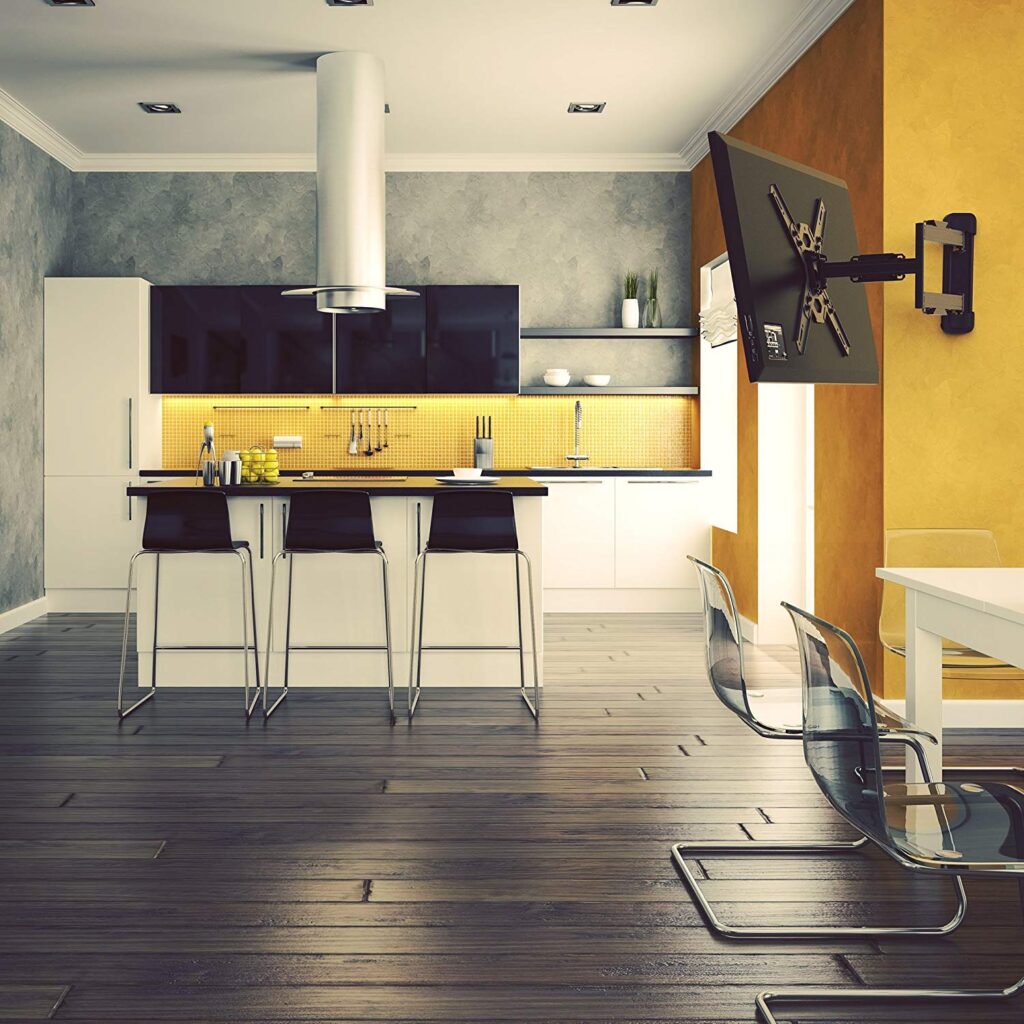
Full-motion (swivel/articulating) mounts extend, swivel, and tilt, so you can pull the TV off the wall and turn it toward a different part of the room. Best for open-plan living rooms, corner installs, or kitchens where you watch from more than one spot.
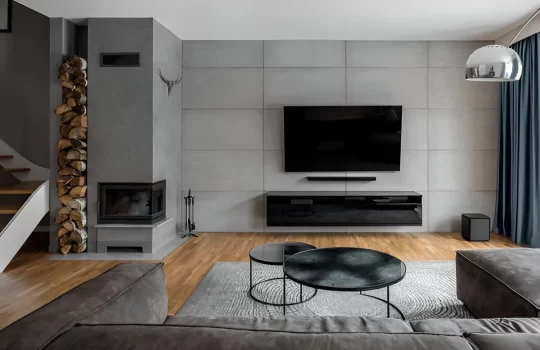
Motorized mounts add a remote- or app-controlled motor that swivels or raises the TV at the push of a button — the premium, “wow factor” option, often used over a fireplace or in a media wall where the TV moves into the perfect position on its own.
If you’ve ever searched “tilt vs fixed TV wall mount,” here’s the short version: fixed for a perfectly placed TV on a budget, tilt if it’s mounted high, full-motion if you watch from multiple angles, and motorized if you want effortless, automated positioning.
Choosing by TV size (and VESA)
Screen size is the first thing to get right, because it determines both the mount’s load rating and its VESA hole pattern.
- 32″–55″: the most common home size in India. A quality full-motion mount like the Tono P6000 is built exactly for this range.
- 65″–75″: heavier and wider; you need a mount rated well above the TV’s weight and matched to a larger VESA pattern.
- 85″ and above: a specialist job. Large panels demand heavy-duty mounts and very secure wall fixing.
Two numbers decide compatibility: the TV’s weight and its VESA pattern (the spacing of the mounting holes on the back, e.g. 200×200, 400×400, 600×400 mm). Always pick a mount whose weight rating comfortably exceeds your TV and whose VESA range includes your TV’s pattern. When in doubt, check your TV’s manual or the back panel before buying.
For TVs in the 75″–100″ range, see our dedicated large-TV mounting guide — the considerations are different enough to deserve their own walkthrough.
Our pick for most Indian homes: the Tono P6000
For the 32″–55″ TVs in most living rooms and bedrooms, the P6000 tilt-and-swivel full-motion mount is our go-to recommendation.
It’s a cantilever design built to be consumer-friendly — straightforward to install yourself — and it covers a wide size range (32″–55″ for medium panels, 26″–47″ for smaller ones) with support for VESA 200×200, 300×300, and 400×400. Despite weighing just about 7 kg itself, it’s rated to hold a flat-panel TV up to 40 kg. The low-profile design sits the TV as close as 50 mm from the wall, and full motion lets you tilt, extend, and swivel freely. A magnetic wall-plate cover and tidy cable management keep the finished look clean.
If you want the camera off the wall entirely between viewings — or a TV that moves into place on its own — Tono also makes motorized TV wall mounts, worth considering for feature walls, fireplaces, and premium rooms.
Installing on Indian walls: brick and concrete, not “studs”
A lot of TV-mounting advice online tells you to “always screw into a stud.” That’s American advice for hollow drywall construction. Most Indian homes have solid brick or RCC concrete walls, where the approach is different — and arguably more secure when done right.
A few essentials for a safe install on masonry:
- Use a masonry/hammer drill with the correct carbide bit sized to your wall anchors. A regular wood drill won’t cut brick or concrete cleanly.
- Use proper wall anchors (rawl plugs / sleeve anchors) rated for the TV’s weight. The anchor — not just the screw — is what carries the load in masonry.
- Avoid drilling into the mortar lines between bricks where possible; solid brick or concrete holds far better than the joint.
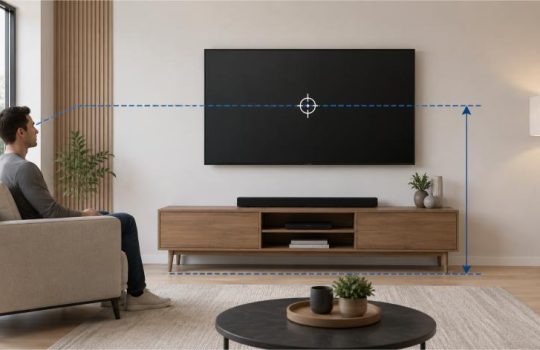
- Find the right height first. A common rule is to set the centre of the screen near seated eye level — roughly 100–110 cm from the floor for a typical living room — then confirm with a spirit level so it sits perfectly straight.
- Plan for the power point and cables before you drill, so the plug actually reaches and the wiring can be concealed.
If your wall is hollow board or you’re unsure what’s behind it, get a professional to assess it — a heavy TV on the wrong fixing is exactly the safety risk you don’t want.
Are TV wall mounts safe?
Yes — a quality mount, correctly rated and properly fixed to a solid wall, is very safe and is the standard way TVs are installed in homes and offices worldwide. The risks come from three avoidable mistakes: choosing a mount under-rated for the TV’s weight, fixing into a weak surface (mortar joints, hollow board without proper anchors), or skipping the level so the load sits unevenly. Buy a mount rated above your TV’s weight, fix it into solid brick or concrete with the right anchors, and you’ve removed nearly all the risk.
Wall mount vs TV stand: which is better?
Both work; it comes down to your room. A wall mount frees up floor space, gives a clean modern look, keeps the TV out of reach of kids and pets, and lets you set the exact height. A stand needs no drilling, suits renters, and is easy to move — but it occupies floor space and keeps cables and the unit on show. For a permanent setup in your own home, a wall mount almost always looks and feels better; for a rented flat or a TV you move often, a stand may make more sense.
Frequently asked questions
Which type of TV wall mount is best? It depends on placement: fixed for a TV at eye level on a budget, tilting if it’s mounted high, full-motion if you watch from several angles, and motorized for premium, automated positioning. For most Indian living rooms, a full-motion mount offers the best balance of flexibility and value.
What size wall mount do I need for my TV? Match two things: the mount’s weight rating (choose one rated above your TV’s weight) and its VESA hole pattern (must include your TV’s pattern, e.g. 400×400). A 55″ TV, for example, typically uses a mount rated for its weight with a VESA pattern in the 200×200 to 400×400 range — but always check your specific model.
How do I install a TV wall mount on a brick or concrete wall? Use a masonry drill with a carbide bit, fix into solid brick or concrete (not the mortar joints) with wall anchors rated for the TV’s weight, level the bracket, then attach the TV. For heavy TVs or uncertain walls, use a professional installer.
Are TV wall mounts safe? Yes, when the mount is rated above your TV’s weight and fixed correctly into a solid wall. Most failures come from under-rated mounts or poor fixings, not the concept itself.
Can any TV be wall-mounted? Almost all modern flat-panel TVs have VESA mounting holes on the back and can be wall-mounted. Confirm your TV has a VESA pattern and choose a mount that supports it and the TV’s weight.
Wall mount or stand — which should I choose? Wall mount for a clean, permanent, space-saving setup in your own home; stand if you rent or move the TV often.
The bottom line
The “best” TV wall mount isn’t one product — it’s the one matched to your screen size, your wall, and how you watch. For most homes in India, a full-motion mount like the Tono LPC 01 hits the sweet spot of flexibility, safety, and value, with motorized options available when you want something special.
Browse Tono’s range of TV wall mounts, or get in touch and we’ll help you match the right mount to your TV and your wall — and, if you’d like, arrange a safe, professional install.