A projector ceiling mount fixes your projector overhead, points it at the screen, and lets you fine-tune the image. Get the mount right and the picture sits square and sharp. Get it wrong and the projector sags, drifts, or strains the ceiling. This guide covers ceiling versus wall mounts, how to choose by weight and throw, short-throw and UST setups, and how to install one safely.
Ceiling mount or wall mount: which do you need?
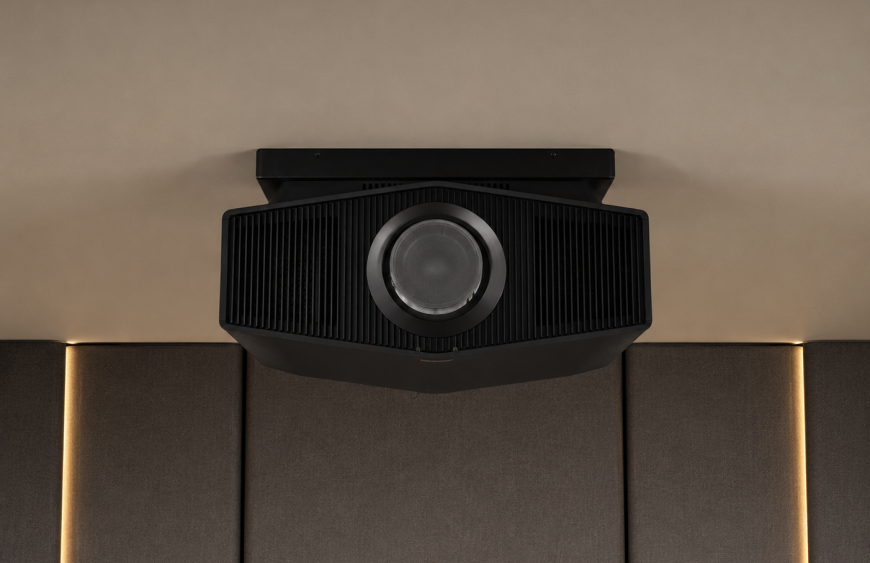
Most home and office projectors use a projector ceiling mount. It places the projector centrally, keeps it out of the way, and gives a clean overhead line to the screen. A wall mount suits two cases. The first is a short-throw projector that sits close to the screen. The second is a room where you can’t fix to the ceiling. Choose ceiling for standard-throw projectors in most rooms. Choose wall for short-throw and ultra-short-throw (UST) units, or where the ceiling won’t work.
Choosing a projector ceiling mount by weight and throw
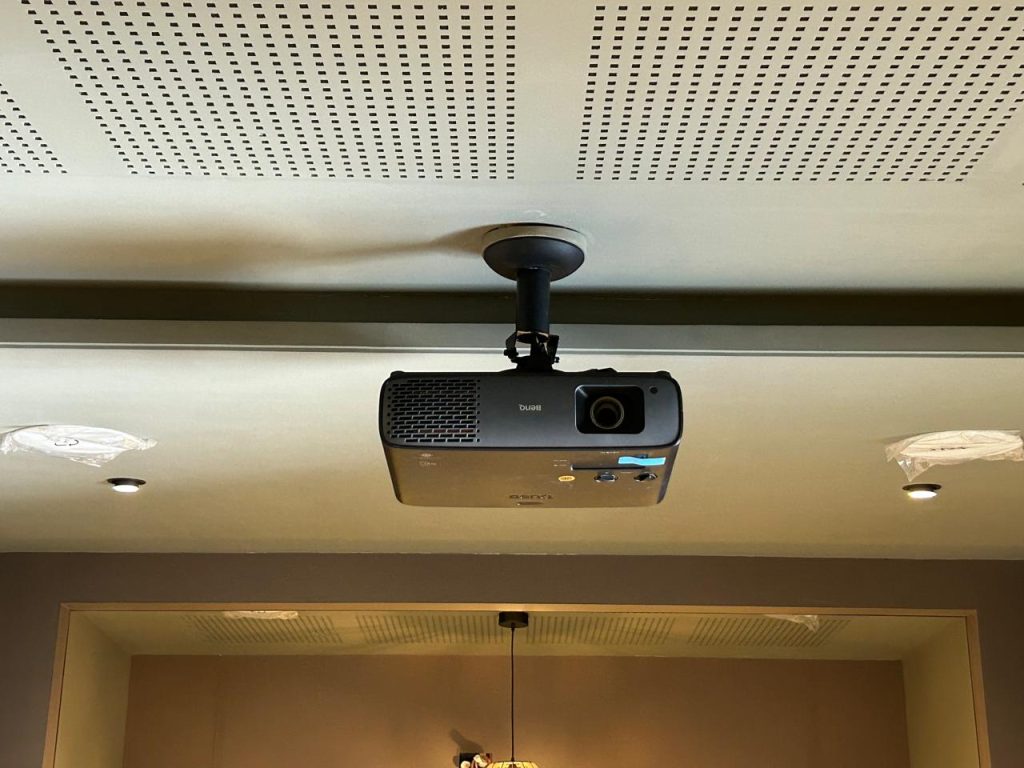
Two things decide the right mount: your projector’s weight and its throw.
Weight. Match the mount’s rating to your projector, with margin to spare. Tono’s range scales by load:
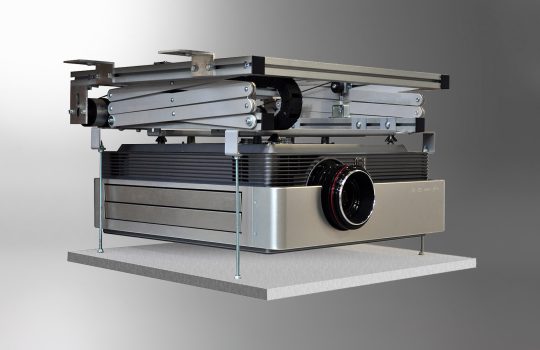
- The M1 Series handles standard home projectors up to 30 kg, with height adjustment from 455 to 680 mm.
- The M50 and SHD 01 take heavier units up to 50 kg, for auditoriums and large rooms.
- The PBG Series suits projectors up to 20 kg and adds a wall-mount option for short-throw models.
Throw. A standard-throw projector mounts on the ceiling, set back from the screen. A short-throw or UST projector sits close to the screen, so it usually wall-mounts. Confirm your projector’s throw before you pick the mount.
Mounting a short-throw or UST projector
Short-throw and ultra-short-throw projectors change the rules. They sit close to the screen, often just above or below it. A standard ceiling mount won’t position them right. Use a short-throw wall mount or a dedicated UST stand instead. Tono’s SLX 01 is built for UST projectors, with adjustable arms for precise wall mounting. The PBG Series adds a wall option for short-throw units.
How to install a projector ceiling mount
A projector hangs from the ceiling for years, so the fixing has to be solid. Work through these steps:
- Check compatibility. Confirm the mount supports your projector’s weight and mounting-hole pattern. A universal mount fits most DLP and LCD projectors.
- Fix to structure, not plaster. The mount must anchor to a beam, joist, or dedicated bracket. Never fix to plasterboard alone. The ceiling has to carry the full load.
- Set the drop and height. Use the adjustable pole to set the drop. The projector should clear any obstruction and align with the screen.
- Attach the projector. Fasten it to the mount’s arms and level it.
- Fine-tune. Use the tilt, roll, and micro-adjustments to register the image squarely on the screen.
For heavy projectors or tricky ceilings, use a professional installer.
Projector ceiling mount height and placement
Height and placement decide whether the image lands square on the screen. A few rules help:
- Match the lens to the screen. Set the projector’s height so its lens lines up with the screen as the manual specifies. Many projectors expect the lens near the top edge of the image.
- Respect the throw distance. Mount the projector at the throw distance its lens needs for your screen size. Too close or too far, and the image won’t fit.
- Use an adjustable mount. A height-adjustable drop and tilt let you correct alignment after install. That saves re-drilling.
- Mind keystone. Centre the projector on the screen where you can, so you rely less on digital keystone correction.
Want the projector hidden when it’s off?
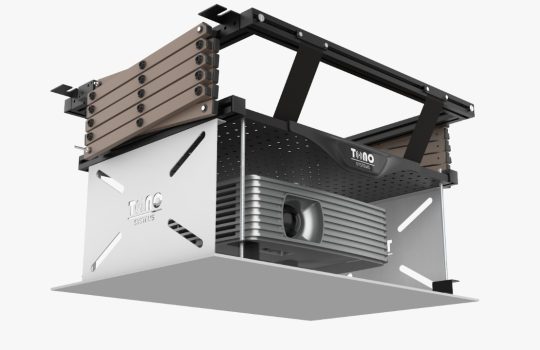
A mount holds the projector in view at all times. If you’d rather it disappear, a motorised projector lift lowers the projector from the ceiling on a remote and retracts it out of sight when you finish. It suits premium home theatres and multipurpose rooms.
Frequently asked questions
What is a projector ceiling mount?
It’s a bracket that fixes a projector to the ceiling, holds it at the right height, and lets you tilt and adjust it to align the image. Most use a universal pattern that fits a wide range of projectors.
Should I mount my projector on the ceiling or the wall?
Use a ceiling mount for standard-throw projectors in most rooms. Use a wall mount for short-throw and ultra-short-throw projectors, which sit close to the screen, or where you can’t fix to the ceiling.
Will a universal projector mount fit my projector?
Usually yes. A universal mount adjusts to most DLP and LCD projectors and the common mounting-hole patterns. Always confirm your projector’s weight and hole spacing against the mount.
How do you install a projector ceiling mount?
Fix the base to a beam or joist, not plasterboard. Set the drop with the adjustable pole, attach the projector to the arms, and level it. Then fine-tune with the tilt and roll adjustments. Use a professional for heavy projectors.
How do you mount a short-throw or UST projector?
Short-throw and UST projectors sit close to the screen, so they usually wall-mount. Use a short-throw wall mount or a dedicated UST stand, such as Tono’s SLX 01, rather than a standard ceiling mount.
How much weight can a projector mount hold?
It depends on the model. Tono’s mounts range from 20 kg on the PBG Series to 50 kg on the M50 and SHD 01. Always pick a mount rated above your projector’s weight.
The bottom line
A projector ceiling mount is a small part with a big job. It holds an expensive projector overhead and keeps the image square for years. Match the mount to your projector’s weight and throw, fix it to solid structure, and set the height for a clean line to the screen. Standard projector? A ceiling mount is the answer. Short-throw or UST? Go wall. And if you want it hidden, a lift takes over.
Planning a projector setup? Explore Tono’s projector mounts or get in touch, and we’ll match the right mount to your projector and your room.