A meeting starts late because nobody can find the right cable. Half the table squints at a screen mounted too high. The colleague dialing in keeps asking people to repeat themselves. Good conference room design removes these frictions before they happen, positioning displays, seating, and technology so meetings start on time and hold everyone’s attention.
Start With the Purpose of the Conference Room
Productive rooms are designed around how they’ll be used, not around a list of equipment. A room for daily standups needs a different setup than one built for client presentations or board reviews. Before choosing hardware, consider participant numbers, whether it will host hybrid video conferences, and whether it must flex between training, brainstorming, and smaller calls.
Plan the Layout Around Communication
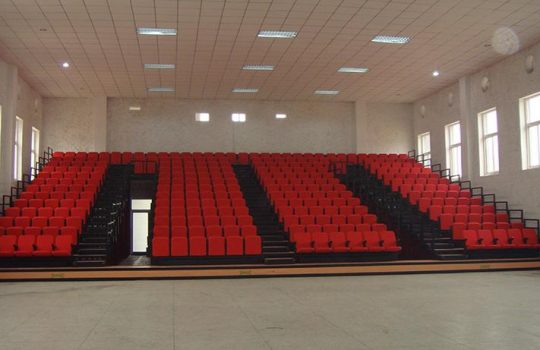
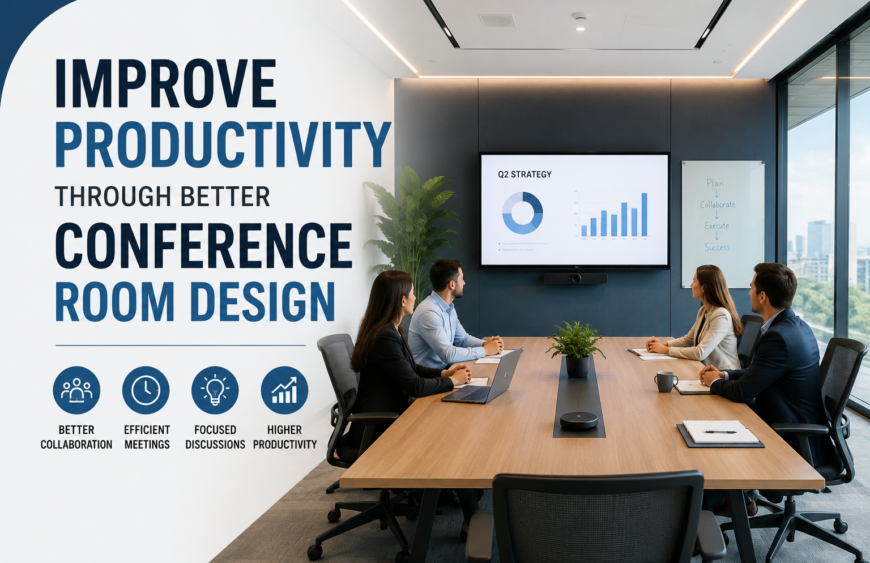
Layout decides who can see, hear, and participate comfortably, and it deserves attention before any screen goes on the wall. Seating within a reasonable viewing distance supports concentration far more than an oversized table that pushes people toward the back wall. A workable layout offers clear sightlines from every seat, room for a presenter to move freely, equal visibility for those seated away from the front, accessible routes for mobility aids, and enough spacing that a full room never feels crowded.
Choose Displays That Everyone Can See Clearly
Screen visibility depends on more than picture quality. Size, mounting height, and brightness matter just as much as resolution, and getting them wrong is a common reason meetings stall while people ask for a bigger view. Meeting room displays should be sized against the room’s dimensions and the seat furthest from the screen, not a standard template. A display suited to a small huddle room will disappear in a boardroom twice the size.
Use Interactive Technology to Keep Meetings Engaging
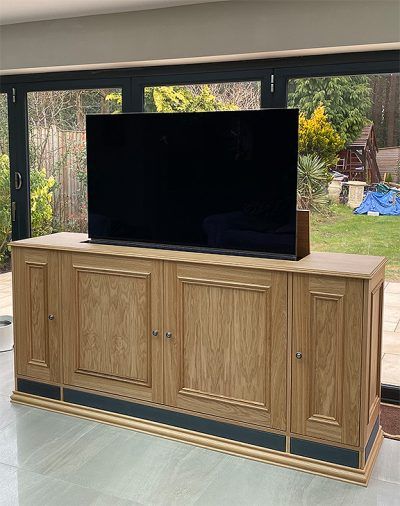
Static screens show information. Interactive display systems let people work with it directly, changing how a meeting moves. Touchscreen control, real-time annotation, and one-tap content sharing lets a presenter build on an idea live instead of switching between slides and a whiteboard, which matters most for training sessions. In rooms hosting different teams, height-adjustable motorized display lifts raise or lower a screen to suit different users and improve accessibility, while hybrid participants see shared content as it happens.
Build a Reliable Smart Office Setup
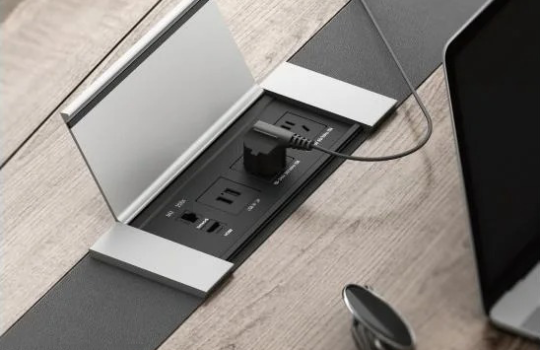
A meeting should never be delayed by hunting for the right adapter. A dependable smart office setup is judged by how quickly a meeting can actually start: stable wired and wireless connectivity, charging points within reach of every seat, straightforward content sharing, and video conferencing hardware that behaves consistently across rooms, with controls kept obvious and cabling organized rather than trailing across the floor.
Improve Acoustics, Lighting and Visual Comfort
Poor acoustics and harsh lighting wear people down long before a meeting ends. Room acoustics affect how clearly remote participants hear the room, so hard, echo-prone surfaces often benefit from acoustic treatment. Practical adjustments include keeping displays away from windows and direct glare, using controllable lighting rather than one harsh overhead setting, avoiding lights directly above or behind a screen, and choosing finishes that reduce distracting reflections.
Keep Technology Accessible Without Creating Clutter
Equipment should be easy to reach and adjust without turning the room into a tangle of cables and brackets. Professional mounting solves most of this at the source. Motorized display lifts and mobile display trolleys let a screen retract when not needed and appear exactly where it’s needed. [Video wall mounts] support larger multi-screen setups without dominating the room, [projector lifts for conference rooms] keep overhead units concealed until called on, and TV floor stands help rooms that change format often.
Design for Hybrid and Future Workplace Needs
A conference room now has two audiences, people physically present and people joining remotely, and both need equal access to what’s being shown and said. Mounting systems that support different screen sizes make it easier to upgrade a display later without reworking the wall, and flexible hardware simplifies maintenance, since a technician can service a lift or mount without disturbing the rest of the setup.
A Practical Conference Room Design Checklist
Before finalizing a room, check the fundamentals in one pass:
- Confirm the room’s purpose and expected meeting types
- Set seating capacity based on realistic daily use
- Arrange seating for clear sightlines to the display
- Choose display size and mounting height for the farthest seat
- Plan lighting and acoustic treatment alongside the layout
Create a Conference Room That Supports Better Work
Productive meetings rarely come down to adding more technology. They come from removing small obstacles: a screen nobody can see, a cable nobody can find, a seat with no view. A thoughtful layout, the right displays, and reliable mounting solve most of this before a meeting starts. If you’re planning a new room or upgrading an existing one, explore Tono Systems’ [motorized lifts for interactive displays], [professional display mounting solutions], and meeting-room support hardware, or [contact Tono Systems] for guidance on the right setup for your space.
FAQs
What is the most important element of conference room design?
Layout comes first; seating, sightlines, and where the display is positioned all matter more than you might think, because they decide if each participant can actually see and hear clearly.
How do meeting room displays improve productivity?
Correctly sized, placed displays reduce squinting and repeated questions, plus that wasted setup time. That way, a meeting can move straight into discussion, not end up troubleshooting the visibility again and again.
Are interactive display systems suitable for hybrid meetings?
Sure, the touchscreen annotation and real time content sharing let remote participants see the updates as they happen, so hybrid meetings stay much closer to an in person experience, if you think about it.
How should businesses choose the right display mount?
Match the mount to the room’s layout, the screen size, and also how often the display needs to move, then pick motorized or fixed hardware based on flexibility and access needs.