Picking an HDMI cable for a projector isn’t like picking one for a TV. A projector usually sits across the room or on the ceiling, far from the source, so length is the deciding factor. This guide covers how long you can go, when you need fibre, and how to choose the best HDMI cable for a projector.
Why a projector needs a different HDMI cable
A TV and its source sit close together. A projector doesn’t. It’s mounted on the ceiling or at the back of the room, often 10, 15, or 20 metres from the player or receiver. That distance is the whole problem. A short copper HDMI cable that works behind a TV will drop the signal over a long projector run, especially at 4K. So the best HDMI cable for a projector is usually about length, not brand.
How long can the HDMI cable be?
Copper HDMI is reliable only to about 5 metres at 4K. Most projector runs are longer than that. Once you pass roughly 5 metres, switch to a fibre (active optical) HDMI cable, which carries 4K and 8K over 10, 20, even 100 metres with no loss. So:
- Under ~5 metres: a good copper HDMI cable is fine.
- Over ~5 metres (most ceiling installs): use a fibre HDMI cable.
For a typical 10-metre run, see our 10-metre HDMI cable guide. For a longer run, see the 30-metre cable guide.
Match the cable to your projector’s resolution
- 4K at 60Hz needs about 18 Gbps, so choose a fibre cable rated for HDMI 2.0 or higher.
- 4K at 120Hz or 8K needs up to 48 Gbps, so choose a fibre HDMI 2.1 cable.
- eARC audio back to an AV receiver needs an eARC-capable cable. See our HDMI ARC guide.
A universal fibre cable works with any brand, including Epson, BenQ, Sony, and Optoma, so you don’t need a brand-specific cable.
Which Tono cable for a projector?
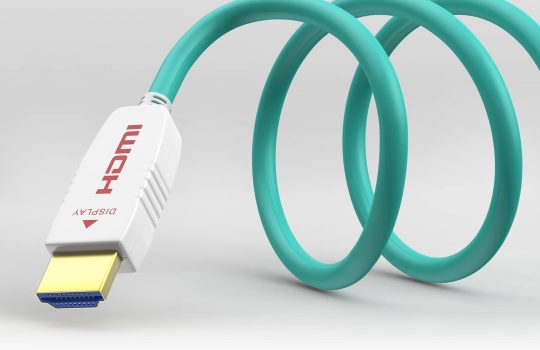
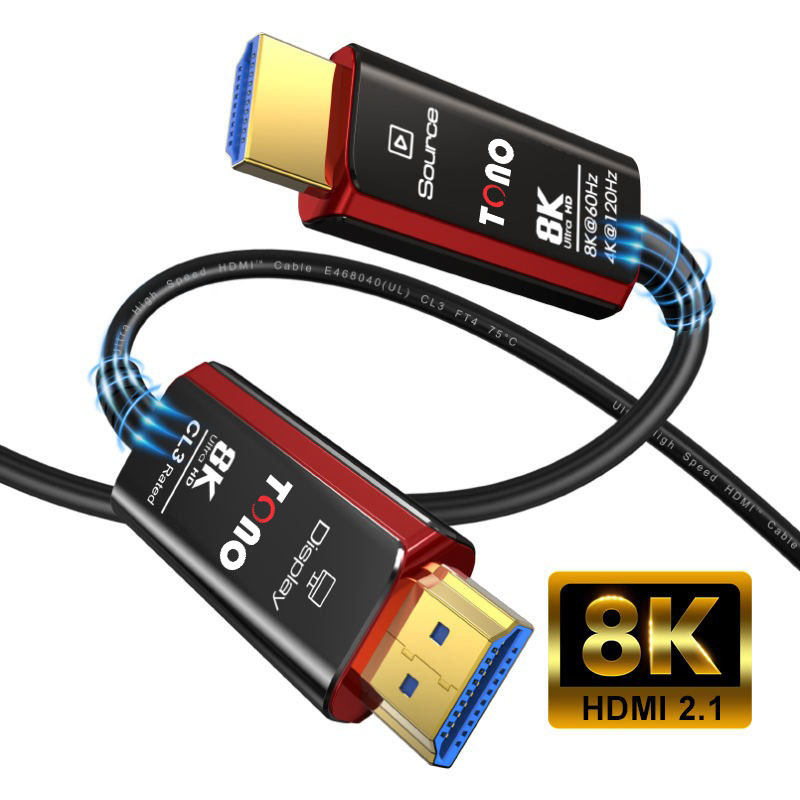
- The Rapid Series is a fibre HDMI cable for long projector runs, up to 100 metres.
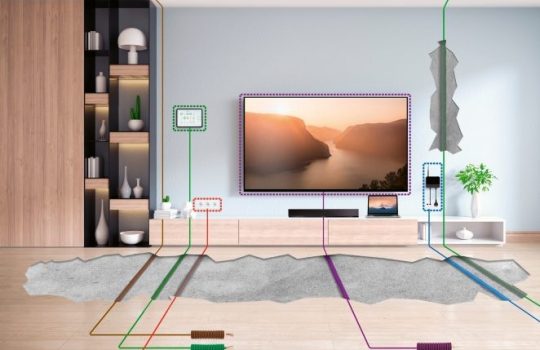
- The Slickon is a fibre cable with a detachable head, ideal for threading through a ceiling or conduit to a projector.
- The Stallion is an 8K HDMI 2.1 cable for short runs where the source sits near the projector.
If the projector is ceiling-mounted, plan the cable route with the mount. See our projector ceiling mount guide.
Troubleshooting a projector HDMI cable
- No signal over a long run? The copper cable is too long for 4K. Switch to fibre.
- Picture but no sound? Check the audio path and any AV receiver settings.
- Direction matters. Fibre cables are directional, so connect the source end to the player and the display end to the projector.
Frequently asked questions
What HDMI cable do I need for a projector?
For a run under about 5 metres, a good copper HDMI cable works. For the longer runs typical of a ceiling-mounted projector, use a fibre (active optical) HDMI cable rated for your resolution.
How long can an HDMI cable be for a projector?
Copper is reliable only to about 5 metres at 4K. A fibre HDMI cable carries 4K and 8K over much longer distances, such as 10, 20, or even 100 metres, which suits most projector installs.
Do I need a special HDMI cable for a 4K projector?
For a long run, yes, a fibre cable rated for HDMI 2.0 (4K60) or 2.1 (4K120 and 8K). For a short run, a quality copper cable is enough.
Does the HDMI cable brand matter for a projector?
No. A universal fibre cable works across Epson, BenQ, Sony, and Optoma projectors. What matters is the cable type, length, and bandwidth, not the brand.
Why does my projector say “no signal” with a long HDMI cable?
The cable is likely copper and too long to hold 4K over that distance. Replace it with a fibre HDMI cable rated for your resolution.
The bottom line
The best HDMI cable for a projector is the one that survives the distance. Measure the run from source to projector. Under 5 metres, copper is fine. Over 5 metres, which covers most ceiling installs, use a fibre cable rated for your resolution. Get the length and bandwidth right and the picture lands sharp, however far the projector sits.
Setting up a projector? Explore Tono’s fibre HDMI cables or get in touch for the right cable and length.