Routing AV behind the wall? Running an HDMI cable in conduit keeps the install clean and lets you upgrade the cable later. But HDMI connectors are bulky and the cable can be fragile, so a few steps save a lot of frustration. This guide shows how to run an HDMI cable in conduit safely, what cable to use, and the in-wall rating you need.
Why run an HDMI cable in conduit?
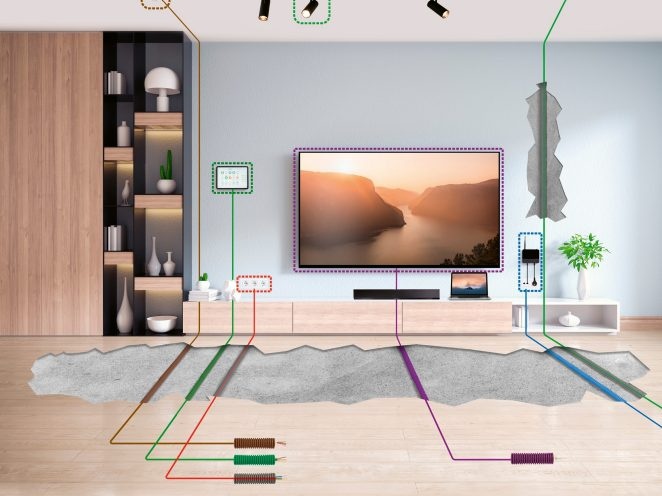
Conduit is a hollow tube inside the wall that holds cabling. Pulling an HDMI cable in conduit has three big advantages. It hides the cable for a clean look behind a wall-mounted TV or projector. It protects the cable from damage. And it lets you pull a new cable through later when standards change, without opening the wall. For any permanent install, conduit is the professional choice.
Use a fire-rated cable for in-wall runs
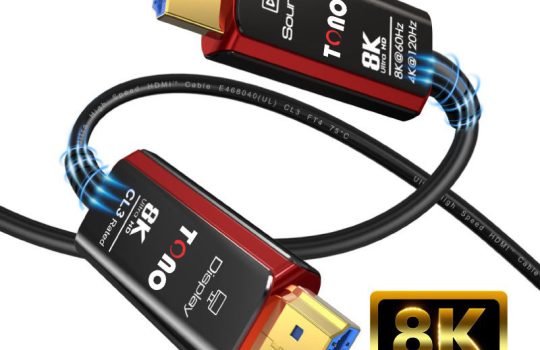
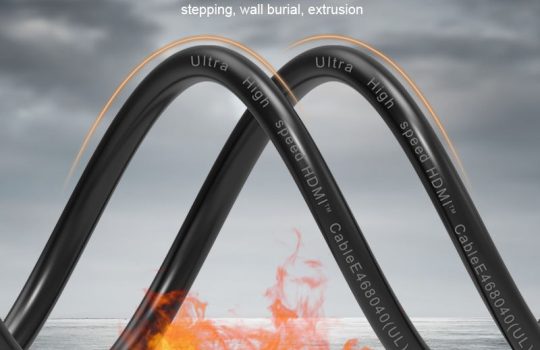
Any cable buried in a wall should be rated for it. Look for a CL3 (or CL2) in-wall fire rating, which means the jacket resists fire spread to meet safety codes. A standard cable isn’t built for in-wall use. Tono’s Alpha 3 Red Edition is a CL3-rated fibre HDMI cable made for exactly this. For more on the ratings, see our CL3 vs CL2 guide.
The connector problem, and the fix
Here’s what catches people out. A standard HDMI connector is wide, so pulling it through narrow conduit is hard and risks damaging the cable or the conduit. Two fixes help:
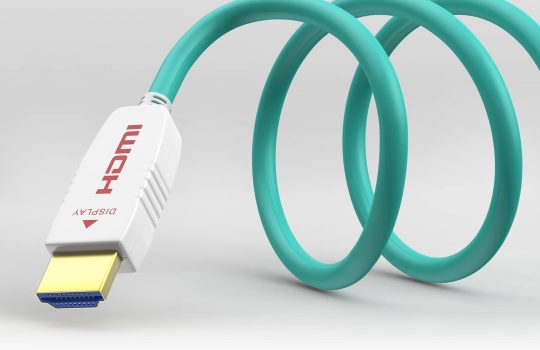
- Use a detachable-head cable. Tono’s Slickon is a slim fibre HDMI cable with a detachable head. You thread the thin cable through the conduit first, then attach the connector at the end. No forcing a bulky plug through the tube.
- Use a pull string. Most conduit ships with a pull string. Tie the cable head to it gently and draw it through in one smooth motion.
How to run an HDMI cable in conduit, step by step
- Plan the route. Map the conduit path from source to screen, keeping bends gentle. Sharp bends strain the cable.
- Pick the right cable. For runs over about 5 metres, use a fibre (AOC) HDMI cable. For in-wall runs, make sure it’s CL3-rated.
- Attach to the pull string. Connect the cable end to the conduit’s pull string, or feed a detachable-head cable through bare.
- Pull gently and evenly. Draw the cable through in one steady motion. Don’t yank, and don’t crush the connector.
- Leave slack. Leave a little extra cable at each end for the connection and any future movement.
- Test before you close up. Connect everything and confirm full picture and sound before you seal anything.
Can you run an HDMI cable through a wall without conduit?
You can, if the cable is in-wall rated (CL3 or CL2). But conduit is safer and far more future-proof, because you can swap the cable later. If you run a cable directly through a wall, always use a fire-rated one and keep it away from mains wiring.
Frequently asked questions
How do you run an HDMI cable through conduit?
Plan a route with gentle bends, choose a fibre cable for long runs, attach it to the conduit’s pull string (or use a detachable-head cable), and pull it through gently. Leave slack at both ends and test before closing the wall.
Can you pull an HDMI cable through conduit?
Yes. The challenge is the bulky connector. Use a detachable-head HDMI cable so you thread the slim cable first and attach the connector after, or pull a standard cable carefully with the conduit’s pull string.
Is it safe to run HDMI cables through walls?
Yes, if you use an in-wall-rated cable (CL3 or CL2) and keep it away from mains wiring. The fire rating is the key safety point for any cable inside a wall.
What size conduit do I need for an HDMI cable?
Use conduit wide enough for the connector plus room to pull, or use a detachable-head cable so only the thin cable passes through. Wider conduit also makes future upgrades easier.
The bottom line
Running an HDMI cable in conduit gives you a clean, protected, upgradeable install. Use a fibre cable for any long run, make sure it’s CL3-rated for in-wall use, and solve the connector problem with a detachable-head cable or a careful pull string. Plan gentle bends, leave slack, and test before you seal up.
Planning an in-wall AV run? Explore Tono’s fibre HDMI cables or get in touch for the right in-wall cable.